

Google Data Studio vs Kibana: Business Dashboards vs Log Analytics
Google Data Studio (now Looker Studio) and Kibana are both free visualization tools — but for completely different data types. Data Studio is for business and marketing dashboards. Kibana is the visualization layer for Elasticsearch, designed for log analytics, infrastructure monitoring, and search-powered data exploration.
Note: Google rebranded Data Studio to "Looker Studio" in October 2022.
Key Differences
Feature: Primary use · Google Data Studio: Business/marketing dashboards · Kibana: Log analytics, search, observability
Feature: Price · Google Data Studio: Free · Kibana: Free (open source, part of Elastic Stack)
Feature: Data source · Google Data Studio: 1,000+ API connectors · Kibana: Elasticsearch only
Feature: Best for · Google Data Studio: Marketing KPIs, executive reports · Kibana: Server logs, APM, security events
Feature: Visualization · Google Data Studio: Charts, scorecards, tables · Kibana: Time-series, heatmaps, Lens, Maps
Feature: Search · Google Data Studio: Not available · Kibana: Full-text search (Elasticsearch)
Feature: Alerting · Google Data Studio: Pro only · Kibana: Built-in (Watcher/Alerting)
Feature: Target user · Google Data Studio: Marketers, business users · Kibana: DevOps, SREs, security analysts
Feature: Learning curve · Google Data Studio: Low · Kibana: Medium-High
When to Use Google Data Studio
- Marketing and business reporting
- Combining GA4, Google Ads, CRM data
- Non-technical dashboard builders
- Client-facing reports
When to Use Kibana
- Log analysis and troubleshooting
- Application performance monitoring
- Security event analysis (SIEM)
- Infrastructure observability
- Full-text search across large datasets
They Do Not Compete
These tools serve different teams. Kibana is for engineering and security. Data Studio is for marketing and business. Most organizations that use both have Kibana for their ops team and Data Studio for their marketing team.
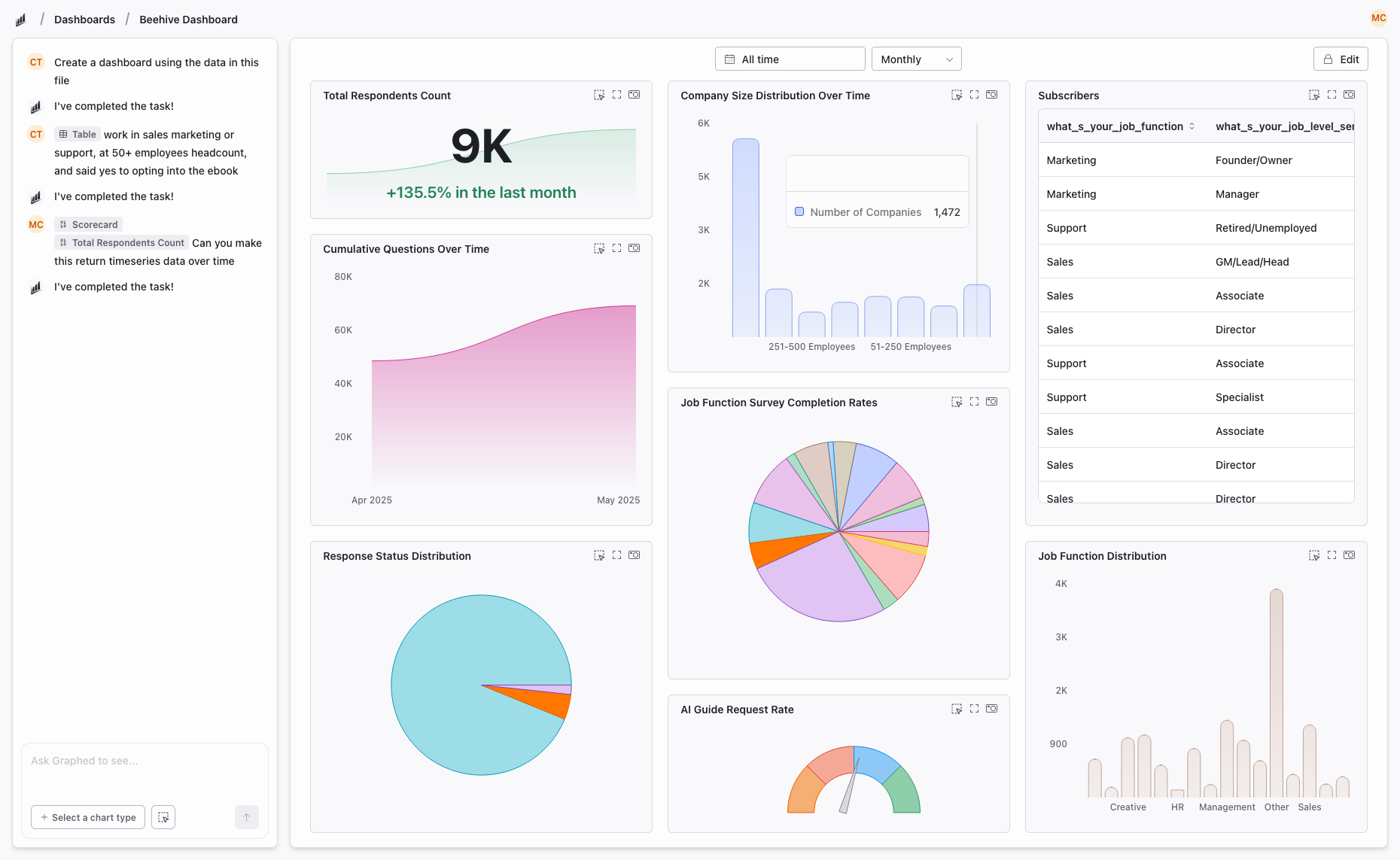
If you need business analytics beyond Data Studio's limits, Graphed connects to 350+ business data sources with AI-powered analysis. Natural language to dashboards. Setup in 15 minutes.
The Bottom Line
Data Studio for business dashboards. Kibana for log analytics and observability. Different tools, different teams, rarely a direct comparison.
Related Articles
How to Create a Photo Album in Meta Business Suite
How to create a photo album in Meta Business Suite — step-by-step guide to organizing Facebook and Instagram photos into albums for your business page.
Is Google Analytics and Data Analytics the Same?
Is Google Analytics and data analytics the same? No — Google Analytics is one tool, data analytics is the broader discipline. Here is the difference.
What Database Does Tableau Use?
What database does Tableau use? Tableau connects to 100+ databases — it does not store data itself. Learn how live connections and extracts work.