

Google Data Studio vs Looker Studio: Are They the Same Thing?
Yes. Google Data Studio and Looker Studio are the same product. Google renamed Data Studio to Looker Studio in October 2022. Nothing about the tool changed — same features, same interface, same connectors. Your existing Data Studio reports migrated automatically to the new name.
If you are searching for the difference, here is everything you need to know about the rebrand and what it means for your reports.
What Happened
In October 2022, Google rebranded Google Data Studio to Looker Studio. This followed Google's $2.6 billion acquisition of Looker in 2020. The goal was to unify Google's analytics products under the Looker brand.
What changed:
- Name: Google Data Studio → Looker Studio
- URL: datastudio.google.com redirects to lookerstudio.google.com
- Logo and branding updated
What did not change:
- All features, charts, and connectors remain identical
- All existing reports migrated automatically
- Still free
- Same drag-and-drop editor
- Same 1,000+ data connectors
- Same collaboration model
The Looker Product Family (2026)
The rebrand created confusion because there are now three "Looker" products:
Product: Looker Studio (formerly Data Studio) · What It Is: Free dashboard builder · Price: Free
Product: Looker Studio Pro · What It Is: Paid upgrade with team features · Price: $9/user/month
Product: Looker Core · What It Is: Enterprise BI platform with LookML · Price: $3,000+/month
Looker Studio is not a lite version of Looker Core. They are completely different products that share a name.
What Has Been Added Since the Rebrand
While the rebrand itself was cosmetic, Google has shipped new features since October 2022:
- Looker Studio Pro — team workspaces, granular permissions, Gemini AI, 200 scheduled reports per dashboard
- Gemini AI integration (Pro only) — natural language queries, anomaly detection, formula assistance
- Improved mobile experience — better responsive rendering and Pro-only push notifications
- Google Cloud IAM (Pro only) — enterprise identity management
- "Looker Studio in Looker" (Preview) — build Looker Studio reports inside the Looker Core platform
The free tier has also received smaller improvements to connectors, chart types, and the editor.
Do You Need to Do Anything?
No. If your reports worked in Google Data Studio, they work in Looker Studio. No migration, no re-linking data sources, no changes to sharing settings. The redirect from the old URL is automatic.
The only action items:
- Update any documentation or training materials that reference "Google Data Studio" to say "Looker Studio"
- If you want team features, explore Looker Studio Pro at $9/user/month
- If you need enterprise BI with a semantic layer, that is Looker Core — a different product entirely
When Looker Studio (Either Name) Is Not Enough
Regardless of the name, the tool has the same fundamental limits:
- 5-source blending cap
- No real data modeling
- Performance issues with large datasets
- Basic governance
- Manual dashboard building
If these are your pain points, the rebrand did not fix them.
Try Graphed Instead
If you are evaluating your reporting setup because of the Data Studio → Looker Studio transition, it is a good time to ask whether any version of this tool meets your needs.
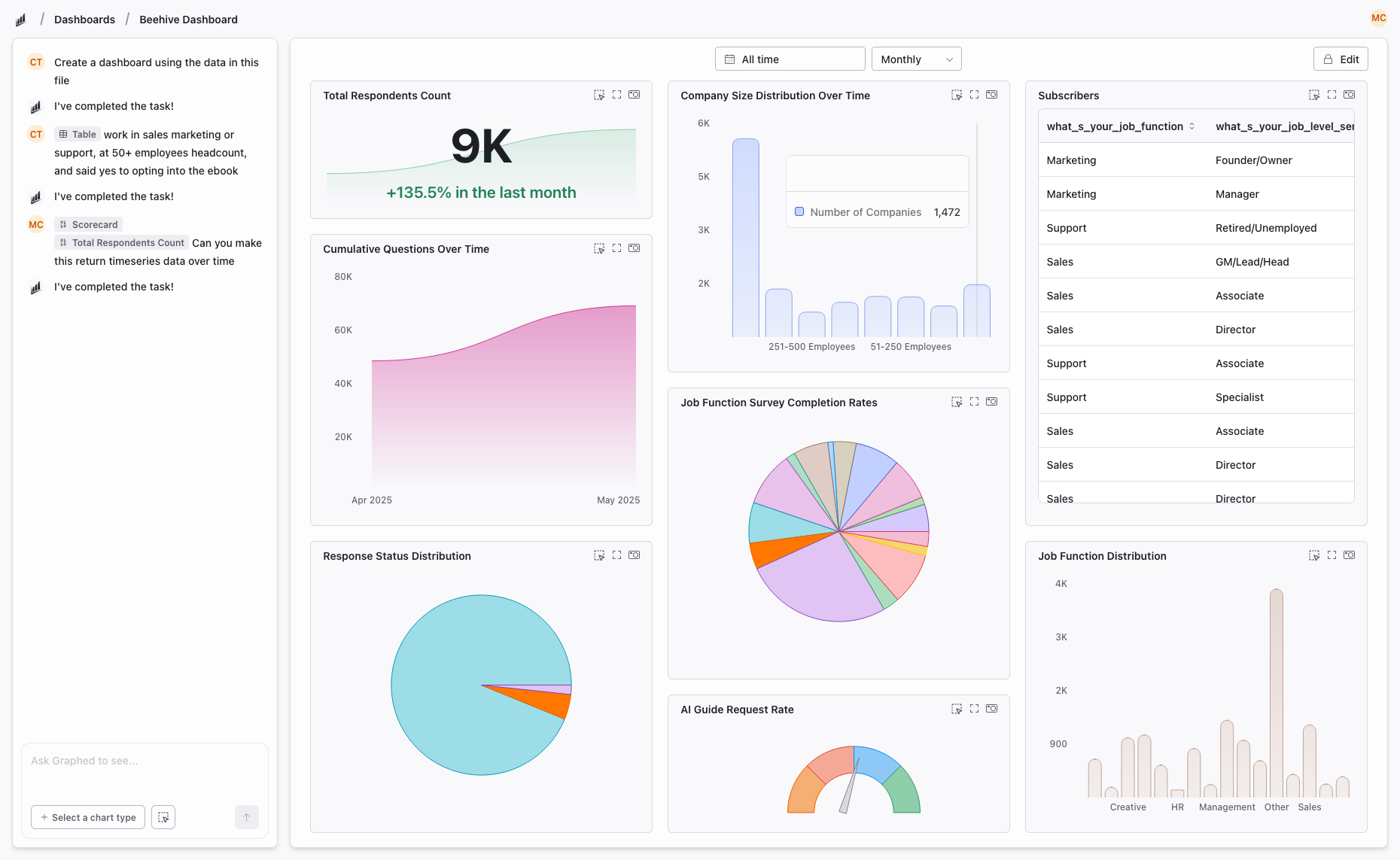
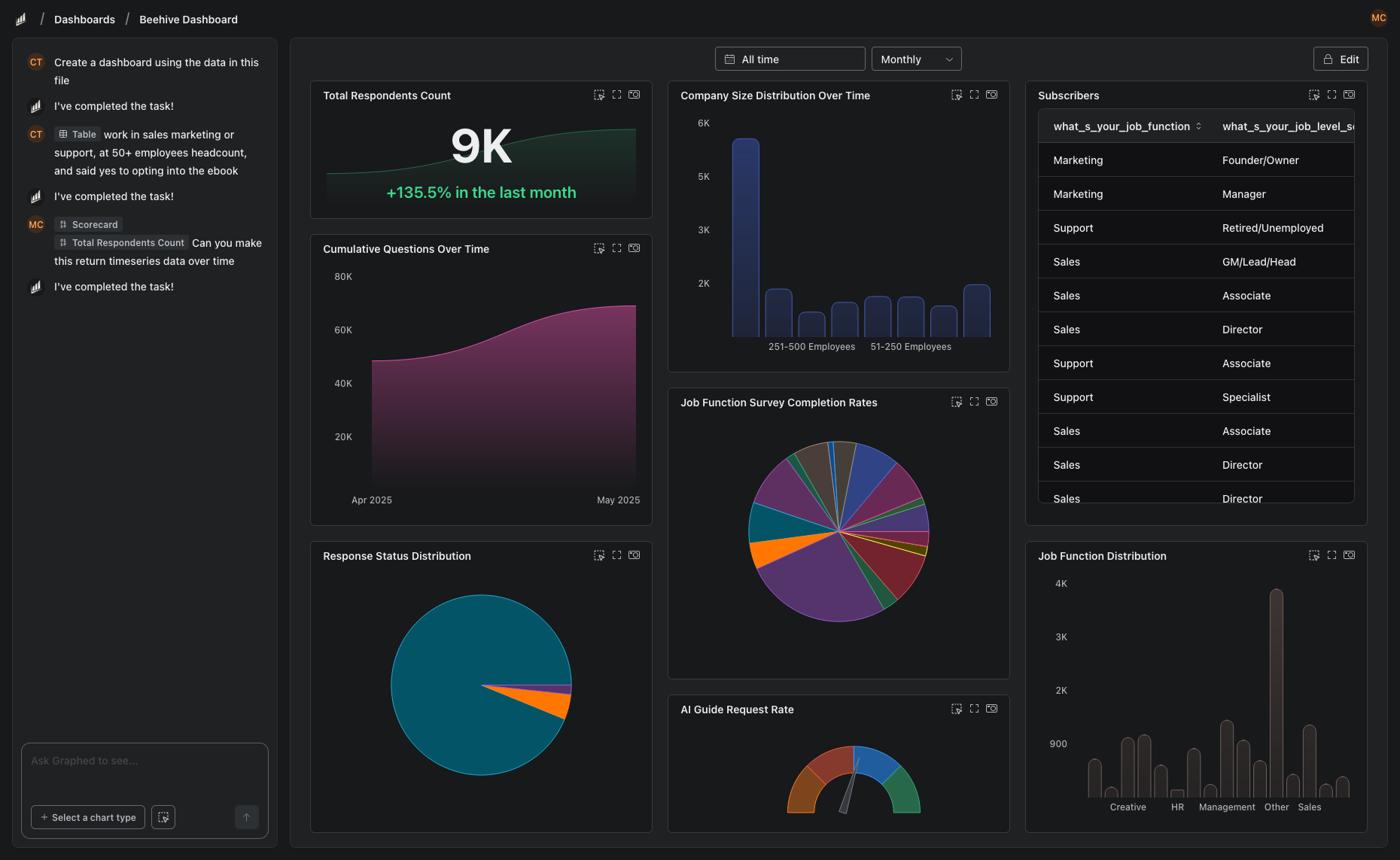
Graphed is an AI data analyst that connects to 350+ live data sources and builds dashboards from natural language. No drag-and-drop, no blending limits, no manual maintenance. Describe what you need, the AI creates it. Setup takes 15 minutes, first dashboard in 24 hours.
The Bottom Line
Google Data Studio and Looker Studio are the same product with a different name. Your reports are safe, the tool is still free, and the features are unchanged. The rebrand is Google's way of consolidating its analytics brand — not a signal that you need to switch tools.
Related Articles
How to Create a Photo Album in Meta Business Suite
How to create a photo album in Meta Business Suite — step-by-step guide to organizing Facebook and Instagram photos into albums for your business page.
Is Google Analytics and Data Analytics the Same?
Is Google Analytics and data analytics the same? No — Google Analytics is one tool, data analytics is the broader discipline. Here is the difference.
What Database Does Tableau Use?
What database does Tableau use? Tableau connects to 100+ databases — it does not store data itself. Learn how live connections and extracts work.