

Google Data Studio vs Supermetrics: Dashboard Tool vs Data Connector
Google Data Studio (now Looker Studio) and Supermetrics are not really competitors — they are complementary tools that many teams use together. Data Studio is a dashboard builder. Supermetrics is a data pipeline tool that pulls marketing data from platforms and delivers it to destinations like Data Studio, Google Sheets, BigQuery, and Excel.
Note: Google rebranded Data Studio to "Looker Studio" in October 2022.
Key Differences
Feature: What it is · Google Data Studio: Dashboard builder · Supermetrics: Data connector/pipeline
Feature: Price · Google Data Studio: Free · Supermetrics: From $39/month per connector
Feature: Does it visualize? · Google Data Studio: Yes · Supermetrics: No (delivers data to other tools)
Feature: Does it connect to sources? · Google Data Studio: Yes (1,000+ connectors) · Supermetrics: Yes (100+ marketing sources)
Feature: Does it transform data? · Google Data Studio: Basic calculated fields · Supermetrics: Data mapping, filtering, scheduling
Feature: Primary value · Google Data Studio: Turns data into charts and dashboards · Supermetrics: Moves data from A to B reliably
How They Work Together
Supermetrics is one of the most popular ways to get non-Google marketing data into Data Studio:
- Supermetrics pulls data from Facebook Ads, LinkedIn Ads, TikTok Ads, HubSpot, etc.
- Data lands in Google Sheets or BigQuery
- Data Studio connects to the Sheet/BigQuery table and visualizes it
This is the standard stack for marketing teams that need Meta Ads, LinkedIn, or other non-Google data in their Data Studio dashboards.
When You Need Supermetrics
- You use Data Studio but need non-Google data (Meta Ads, LinkedIn Ads, TikTok, HubSpot)
- You want to backfill historical data from marketing platforms
- You need scheduled data refreshes into Sheets or BigQuery
- Data Studio's native partner connectors are too expensive or unreliable
When Data Studio Alone Is Enough
- Your data is all Google-native (GA4, Ads, Sheets, BigQuery)
- Partner connectors in Data Studio cover your non-Google sources
- You do not need historical backfills or transformation
When Neither Is Enough
The Data Studio + Supermetrics stack still requires manual dashboard building, has a 5-source blending limit, and breaks when connectors fail. You are paying for Supermetrics to pipe data, then spending time building dashboards on top of it.
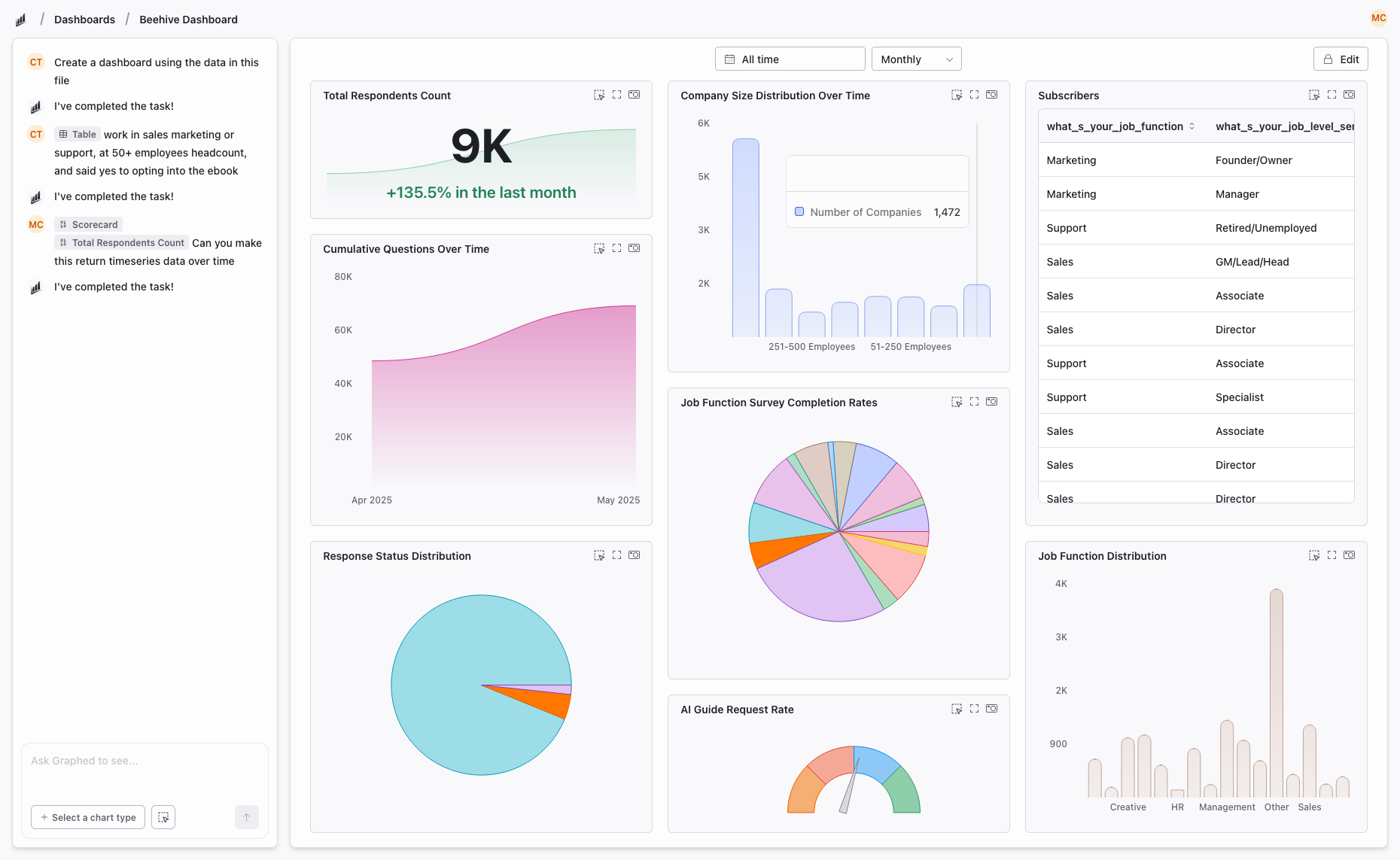
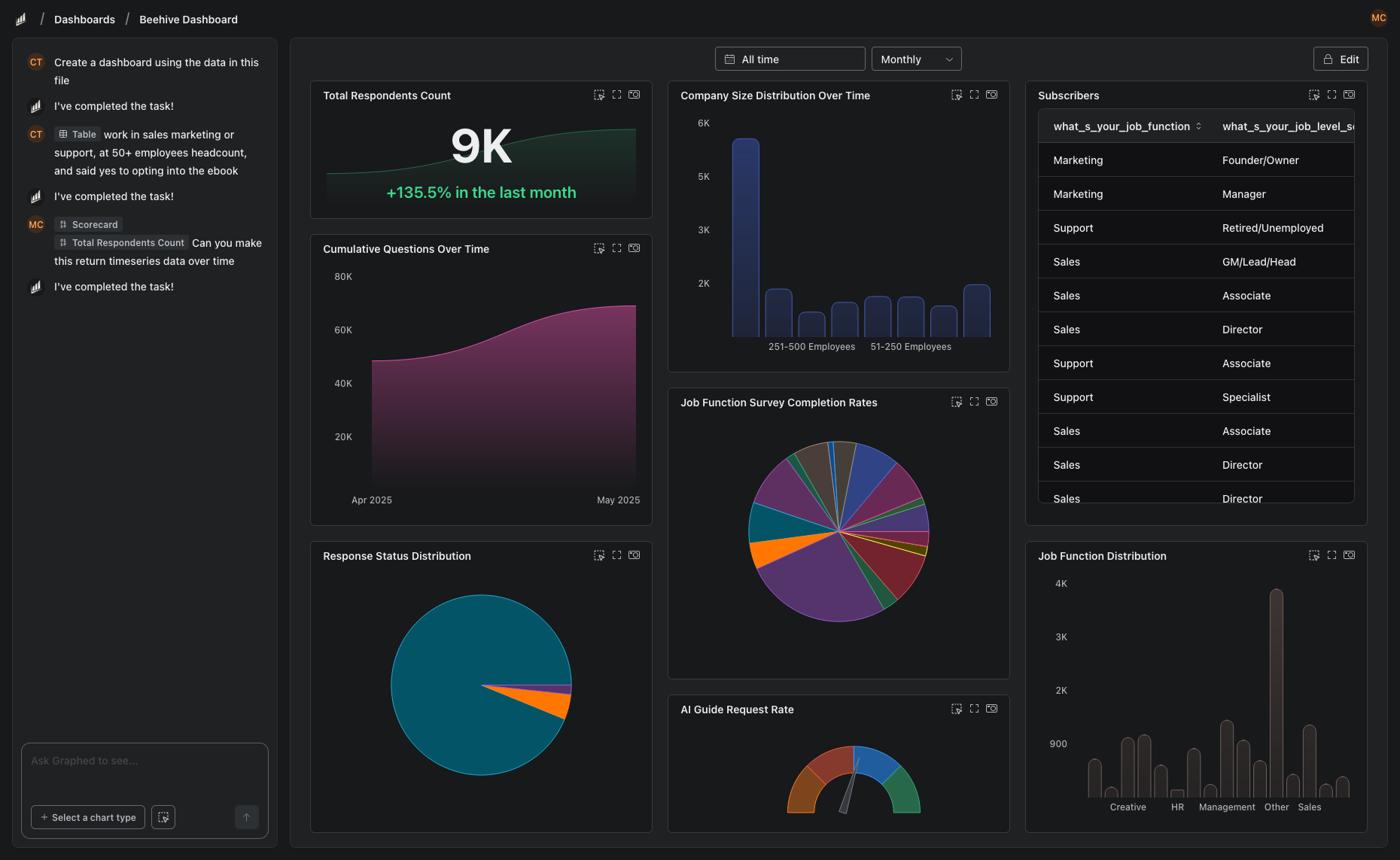
Graphed replaces the entire stack. It connects directly to 350+ data sources — all the marketing platforms Supermetrics covers plus CRMs, payment processors, and databases — and builds dashboards from natural language. No pipeline to configure. No dashboards to build. AI handles everything. Setup in 15 minutes, first dashboard in 24 hours.
The Bottom Line
Data Studio visualizes. Supermetrics connects. They solve different problems and work well together. But if you are paying for Supermetrics + spending time in Data Studio, the total cost (subscription + your time) may justify an AI-powered alternative that does both.
Related Articles
How to Create a Photo Album in Meta Business Suite
How to create a photo album in Meta Business Suite — step-by-step guide to organizing Facebook and Instagram photos into albums for your business page.
Is Google Analytics and Data Analytics the Same?
Is Google Analytics and data analytics the same? No — Google Analytics is one tool, data analytics is the broader discipline. Here is the difference.
What Database Does Tableau Use?
What database does Tableau use? Tableau connects to 100+ databases — it does not store data itself. Learn how live connections and extracts work.