

Looker Studio vs Google Data Studio: What Changed and What Stayed the Same
If you are searching for the difference between Looker Studio and Google Data Studio, here is the short answer: they are the same tool. Google rebranded Data Studio to Looker Studio in October 2022. Same product, new name.
But the rebrand was not just cosmetic. Google is merging Looker Studio into the broader Looker platform, and there are now three distinct products under the Looker name. This guide explains exactly what changed, what stayed the same, and what the rebrand means for your existing reports and workflows.
The Rebrand: What Happened
In October 2022, Google renamed Google Data Studio to Looker Studio. This was part of a larger strategy following Google's $2.6 billion acquisition of Looker in 2020. Google wanted to unify its analytics products under one brand.
Here is what actually changed:
- Name: Google Data Studio → Looker Studio
- URL: datastudio.google.com now redirects to lookerstudio.google.com
- Branding: New logo, new interface colors, "Looker Studio" label everywhere
Here is what did not change:
- Functionality: Every feature, chart type, connector, and capability remained identical at launch
- Your reports: All existing Data Studio reports migrated automatically. Nothing broke.
- Pricing: Still free
- Data connectors: Same 1,000+ connectors
- Collaboration: Same Google Docs-style real-time editing
- Permissions: Same Owner/Editor/Viewer model
If you had a working Data Studio dashboard on October 24, 2022, it was a working Looker Studio dashboard on October 25, 2022. No migration required.
The Three Looker Products (and How They Differ)
The rebrand created confusion because there are now three products with "Looker" in the name, and they are very different tools:
1. Looker Studio (Free) — Formerly Google Data Studio
This is the same free reporting tool you already know. Drag-and-drop dashboard builder, 1,000+ connectors, real-time collaboration. Best for marketing dashboards, KPI reports, and quick visualizations from Google ecosystem data.
Price: Free Learning curve: Low Target user: Marketers, small businesses, non-technical teams
2. Looker Studio Pro — Paid Upgrade
Launched after the rebrand, Pro adds enterprise features on top of the free version:
- Team Workspaces for organizing reports by department
- Granular role-based permissions via Google Cloud IAM
- Gemini AI for natural language queries and anomaly detection
- 200 scheduled report deliveries per dashboard (vs 1 on free)
- Slack and Google Chat delivery channels
- Enhanced mobile experience with push notifications
- Google Cloud support with SLAs
Price: $9/user/month Learning curve: Low (same editor as free) Target user: Mid-sized teams that have outgrown the free version's collaboration limits
3. Looker (Looker Core) — Enterprise BI Platform
This is the original Looker product that Google acquired. It is a completely different tool — an enterprise BI platform built around LookML, a SQL-based data modeling language. Looker connects directly to your data warehouse (BigQuery, Snowflake, Redshift) and queries it in real-time rather than extracting and caching data.
Price: Custom enterprise pricing ($3,000–$5,000+/month) Learning curve: High (requires SQL and LookML expertise) Target user: Data teams at mid-to-large enterprises
Feature: Price · Looker Studio (Free): Free · Looker Studio Pro: $9/user/mo · Looker Core: $3,000+/mo
Feature: Data Modeling · Looker Studio (Free): Calculated fields · Looker Studio Pro: Calculated fields · Looker Core: LookML semantic layer
Feature: Data Sources · Looker Studio (Free): 1,000+ (cached) · Looker Studio Pro: 1,000+ (cached) · Looker Core: 50+ SQL databases (direct query)
Feature: Governance · Looker Studio (Free): Basic · Looker Studio Pro: Enhanced (IAM) · Looker Core: Enterprise (row-level security, Git)
Feature: AI · Looker Studio (Free): None · Looker Studio Pro: Gemini · Looker Core: Duet AI + Vertex AI
Feature: Embedded Analytics · Looker Studio (Free): Basic · Looker Studio Pro: Basic · Looker Core: White-label
Feature: Target User · Looker Studio (Free): Marketers · Looker Studio Pro: Teams · Looker Core: Data teams
What Changed Since the Rebrand
While the rebrand itself was a name change, Google has been adding features to Looker Studio since October 2022 that did not exist in the old Data Studio:
- Looker Studio Pro tier — New paid option with workspaces and permissions
- Gemini AI integration — Natural language queries and anomaly detection (Pro only)
- Enhanced scheduling — 200 schedules per dashboard on Pro vs 1 on free
- Google Cloud IAM — Enterprise identity management for Pro users
- Dataplex integration — Data governance and lineage for Pro users
- Looker Studio in Looker (Preview) — Ability to build Looker Studio reports inside the Looker Core platform, combining the ease of Looker Studio with the governance of LookML
- Mobile improvements — Better mobile rendering and Pro-only push notifications
The free version has also received incremental improvements to the chart library, connector ecosystem, and editor experience, though the core architecture remains unchanged.
Should You Worry About the Rebrand?
No. If you are using Looker Studio (formerly Data Studio) today, nothing about your workflow needs to change. Your reports still work, the free tier is still free, and the tool still does what it always did.
The rebrand signals Google's intent to build a unified analytics stack under the Looker brand, but that unification is still in progress. For now, Looker Studio remains a standalone tool that happens to share a name with its much more expensive sibling.
When Looker Studio Is Not Enough
Whether you call it Data Studio or Looker Studio, the fundamental limitations remain:
- 5-source data blending cap
- No real data modeling or semantic layer
- Performance degrades with large datasets
- Basic governance (free) or enhanced but still limited governance (Pro)
- Every dashboard must be manually built and maintained
If these are your blockers, the rebrand did not fix them. You either need to move to Looker Core (expensive, complex) or look outside the Google ecosystem entirely.
A Modern Alternative: Graphed
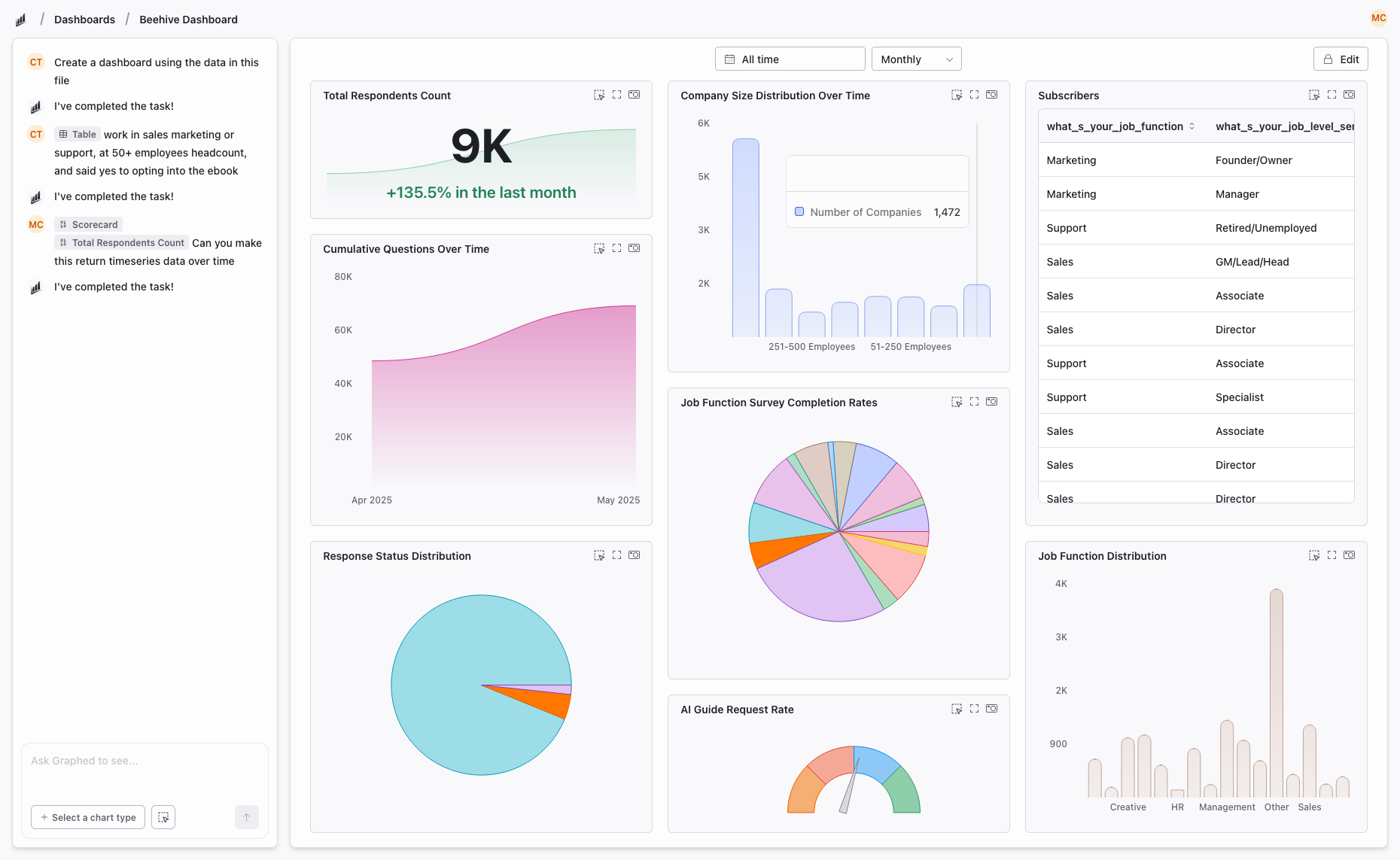
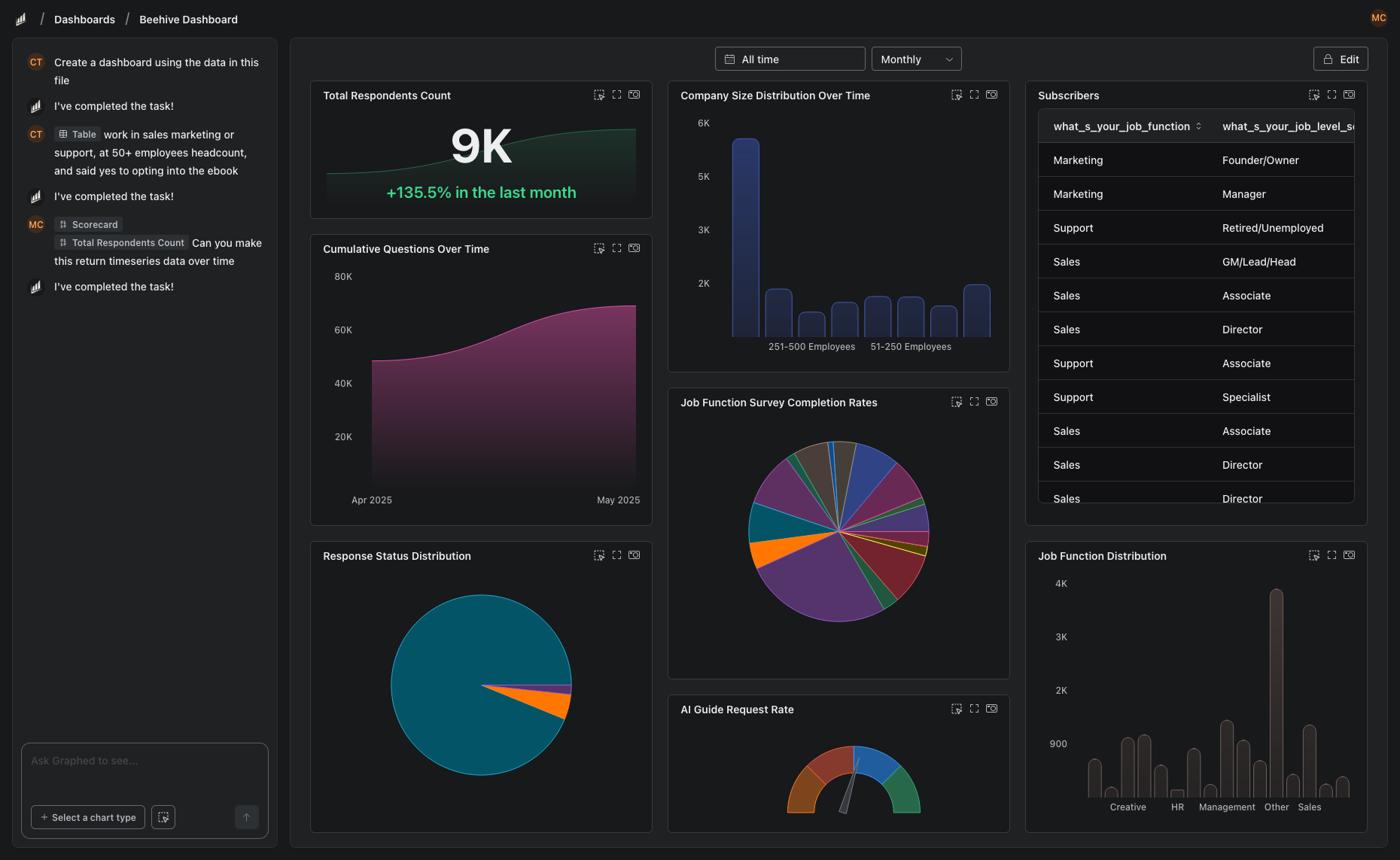
If you are evaluating whether to stay on Looker Studio, upgrade to Pro, or make the leap to Looker Core, there is a fourth option that skips the complexity of all three.
Graphed is an AI data analyst that connects to your live data sources — GA4, Google Ads, Meta Ads, HubSpot, Shopify, Stripe, Salesforce, and 350+ others — and builds dashboards from plain English descriptions. No drag-and-drop editor, no LookML, no SQL. Tell it what you want to see, and the AI handles query writing, data pulling, and visualization.
Data syncs hourly. OAuth setup takes 15 minutes. First dashboard in 24 hours. If you have spent time debating which version of Looker Studio to use, the answer might be none of them.
The Bottom Line
Looker Studio and Google Data Studio are the same product. The rebrand was a naming change, not a feature change. Your existing reports are safe, the free tier is still free, and the tool works exactly as it did before.
What has changed since the rebrand is the broader Looker product lineup — with Pro offering team features at $9/month and Google slowly unifying Looker Studio with Looker Core. Whether any of that matters to you depends on whether you have outgrown the free version's capabilities or are still happily building dashboards in it.
Related Articles
How to Create a Photo Album in Meta Business Suite
How to create a photo album in Meta Business Suite — step-by-step guide to organizing Facebook and Instagram photos into albums for your business page.
Is Google Analytics and Data Analytics the Same?
Is Google Analytics and data analytics the same? No — Google Analytics is one tool, data analytics is the broader discipline. Here is the difference.
What Database Does Tableau Use?
What database does Tableau use? Tableau connects to 100+ databases — it does not store data itself. Learn how live connections and extracts work.