

Looker Studio vs Looker: What's the Difference and Which Should You Use?
Google owns both Looker and Looker Studio, and the naming alone confuses most people. One is a free reporting tool. The other is an enterprise BI platform that costs thousands per month. They share a name, but they solve very different problems.
This guide breaks down exactly how Looker and Looker Studio differ — features, pricing, data handling, and who each tool is actually built for — so you can pick the right one without wasting weeks on the wrong platform.
Quick Background: Why Do Two "Lookers" Exist?
Google acquired Looker in 2020 for $2.6 billion. Separately, Google already had a free reporting tool called Google Data Studio. In late 2022, Google rebranded Data Studio to "Looker Studio" to bring everything under the Looker umbrella.
The rebrand created massive confusion. Looker Studio is not a lite version of Looker. It is a completely different product with different architecture, different capabilities, and a different target user. The only thing they truly share is the name and Google's ownership.
Here is the current product lineup:
- Looker (aka Looker Core / Looker Original) — Enterprise BI platform with LookML modeling, data governance, and direct database querying. Paid, custom pricing.
- Looker Studio — Free drag-and-drop visualization tool for building dashboards and reports. Formerly Google Data Studio.
- Looker Studio Pro — Paid upgrade ($9/user/month) that adds team workspaces, Gemini AI features, scheduled reports, and enhanced permissions.
Looker Studio: What It Does Well
Looker Studio is a free, browser-based tool for creating interactive dashboards and reports. It connects to over 1,000 data sources — including native integrations with Google Analytics 4, Google Ads, Google Sheets, and BigQuery — and lets anyone build visual reports with a drag-and-drop editor.
Key Strengths
- Free to use. No license fees, no per-seat costs. You just need a Google account.
- Fast to start. Drag-and-drop interface means non-technical users can build a dashboard in minutes, not days.
- Google ecosystem native. If your data lives in GA4, Google Ads, or Sheets, connecting is seamless.
- 1,000+ connectors. Third-party connectors cover Facebook Ads, HubSpot, Salesforce, and hundreds more (many are paid add-ons from partners).
- Real-time collaboration. Multiple editors can work on the same report simultaneously, similar to Google Docs.
- Community visualizations. Extend charts beyond the built-in options with community-built components.
Where It Falls Short
- No data modeling layer. There is no equivalent of LookML. Calculated fields and data blending are report-specific, which means metrics can drift across dashboards.
- Data blending caps at 5 sources. If you need to join more than five tables, you are out of luck.
- Performance degrades at scale. Large datasets or complex blends slow the tool significantly. Looker Studio extracts and stores data internally rather than querying a warehouse directly, so it hits a ceiling faster.
- Limited governance. Permissions are basic (Owner, Editor, Viewer). No row-level security, no centralized metric definitions, no version control.
- No advanced analytics. No machine learning models, no predictive forecasting, no regression analysis built in.
Best for: Marketing teams, startups, small businesses, and anyone who needs quick dashboards from Google ecosystem data without spending a dime.
Looker: What It Does Well
Looker is an enterprise-grade BI platform built around LookML — a SQL-based modeling language that creates a semantic layer between your raw data and your dashboards. Instead of every analyst writing their own queries, LookML defines metrics once and lets everyone in the organization use the same vetted definitions.
Key Strengths
- LookML semantic layer. Define dimensions, measures, relationships, and business logic in code. Every dashboard pulls from the same source of truth. No metric drift.
- Direct database queries. Looker does not extract or store data. It sends SQL directly to your warehouse (BigQuery, Snowflake, Redshift, Databricks, etc.) and returns results. This means you are always looking at fresh data and can handle massive datasets.
- Enterprise governance. Row-level security, granular user permissions, Git-based version control for LookML models, and centralized metric management.
- Embedded analytics. White-label Looker dashboards into your own product or partner portals. This is a major differentiator for SaaS companies monetizing data.
- Scheduling, alerting, and actions. Automate report delivery, set threshold alerts, and trigger downstream workflows from within Looker.
- 50+ SQL database connectors. Direct connections to every major cloud warehouse and relational database.
Where It Falls Short
- Expensive. Pricing starts around $3,000–$5,000/month for a small team and scales up from there. This is enterprise software with enterprise pricing.
- Steep learning curve. LookML requires dedicated data engineers or analysts. Business users cannot self-serve without a modeled layer already built for them.
- Limited visualization variety. Chart options are functional but basic compared to Tableau or even Looker Studio's community visualizations.
- Setup time. Building out a LookML model for your data warehouse takes weeks to months depending on complexity.
- Requires a SQL database. Your data must live in a supported warehouse. You cannot natively connect to Google Sheets, flat files, or APIs the way Looker Studio can.
Best for: Mid-to-large enterprises with data teams, companies that need governed analytics at scale, and organizations embedding analytics into their products.
Head-to-Head Comparison
Feature: Price · Looker Studio: Free (Pro: $9/user/mo) · Looker: $3,000–$5,000+/mo
Feature: Data Modeling · Looker Studio: Basic calculated fields · Looker: LookML semantic layer
Feature: Data Sources · Looker Studio: 1,000+ (extracted) · Looker: 50+ SQL databases (direct query)
Feature: Max Data Blend · Looker Studio: 5 sources · Looker: Unlimited (warehouse-side joins)
Feature: Governance · Looker Studio: Owner/Editor/Viewer · Looker: Row-level security, Git, centralized metrics
Feature: Embedded Analytics · Looker Studio: Limited iframe embedding · Looker: Full white-label embedding
Feature: ML / Predictive · Looker Studio: None · Looker: Built-in ML models
Feature: Learning Curve · Looker Studio: Low (drag-and-drop) · Looker: High (LookML required)
Feature: Real-time Data · Looker Studio: Cached/extracted · Looker: Direct warehouse queries
Feature: Scheduling · Looker Studio: Pro only (200/dashboard) · Looker: Unlimited
Feature: AI Features · Looker Studio: Gemini (Pro only) · Looker: Limited
Feature: Setup Time · Looker Studio: Minutes · Looker: Weeks to months
Looker Studio Pro: The Middle Ground
Google introduced Looker Studio Pro at $9 per user per month to bridge the gap between the free tool and full Looker. Key additions include:
- Team Workspaces for organizing reports by department
- Role-based permissions (Manager, Content Manager, Contributor) via Google Cloud IAM
- Gemini AI for natural language Q&A, anomaly detection, and auto-generated presentations
- Scheduled reports (up to 200 per dashboard) with email, Slack, and Google Chat delivery
- Mobile optimization with push notifications
Pro is a solid upgrade for mid-sized teams that have outgrown the free version's collaboration limits but do not need Looker's full modeling and governance layer.
The Unification Roadmap
Google has been working on merging Looker and Looker Studio into a single platform. As of early 2026, "Looker Studio in Looker" is in preview — allowing Looker customers to build Looker Studio-style reports directly within the Looker interface while still leveraging LookML governance.
The long-term vision is one platform that combines Looker Studio's ease of use with Looker's data governance. But the unification is still in progress, and for now, they remain functionally separate tools.
When to Choose Looker Studio
- You are a startup or small business watching every dollar
- Your data mostly lives in the Google ecosystem (GA4, Ads, Sheets, BigQuery)
- You need dashboards fast and your team is not technical
- Basic reporting and visualization are sufficient for your use case
- You want real-time collaboration on reports without enterprise overhead
When to Choose Looker
- You have a data team that can build and maintain LookML models
- Data governance and a single source of truth are non-negotiable
- You are querying large datasets in cloud warehouses and need performance at scale
- You want to embed analytics into your own product for customers
- You need row-level security, automated scheduling, and alerts
Skip the Learning Curve — Try Graphed Instead
Both Looker and Looker Studio force a tradeoff. Looker Studio is free and easy but hits a wall with governance, scale, and advanced analysis. Looker is powerful but requires a dedicated data team, months of LookML setup, and enterprise-level budgets.
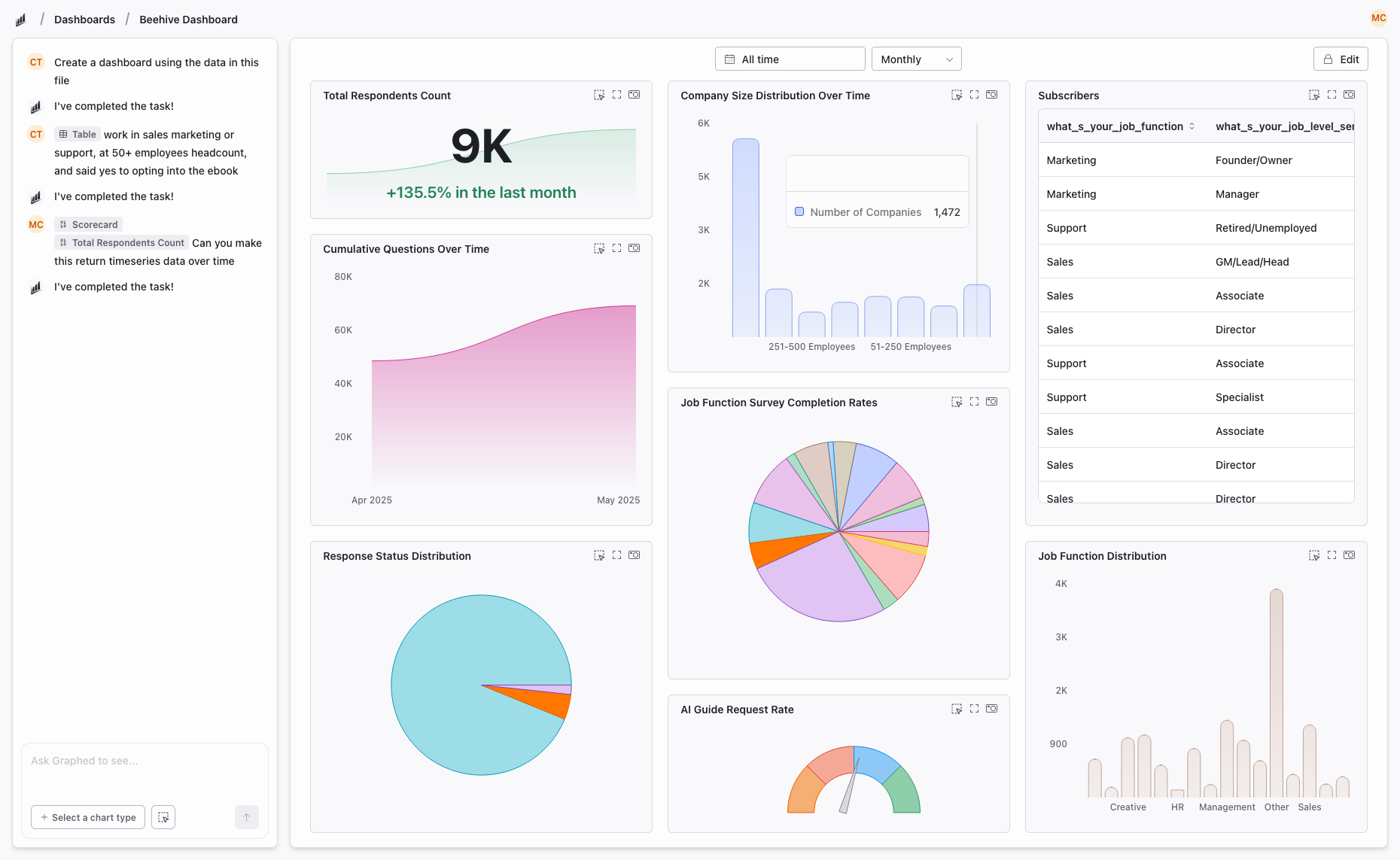
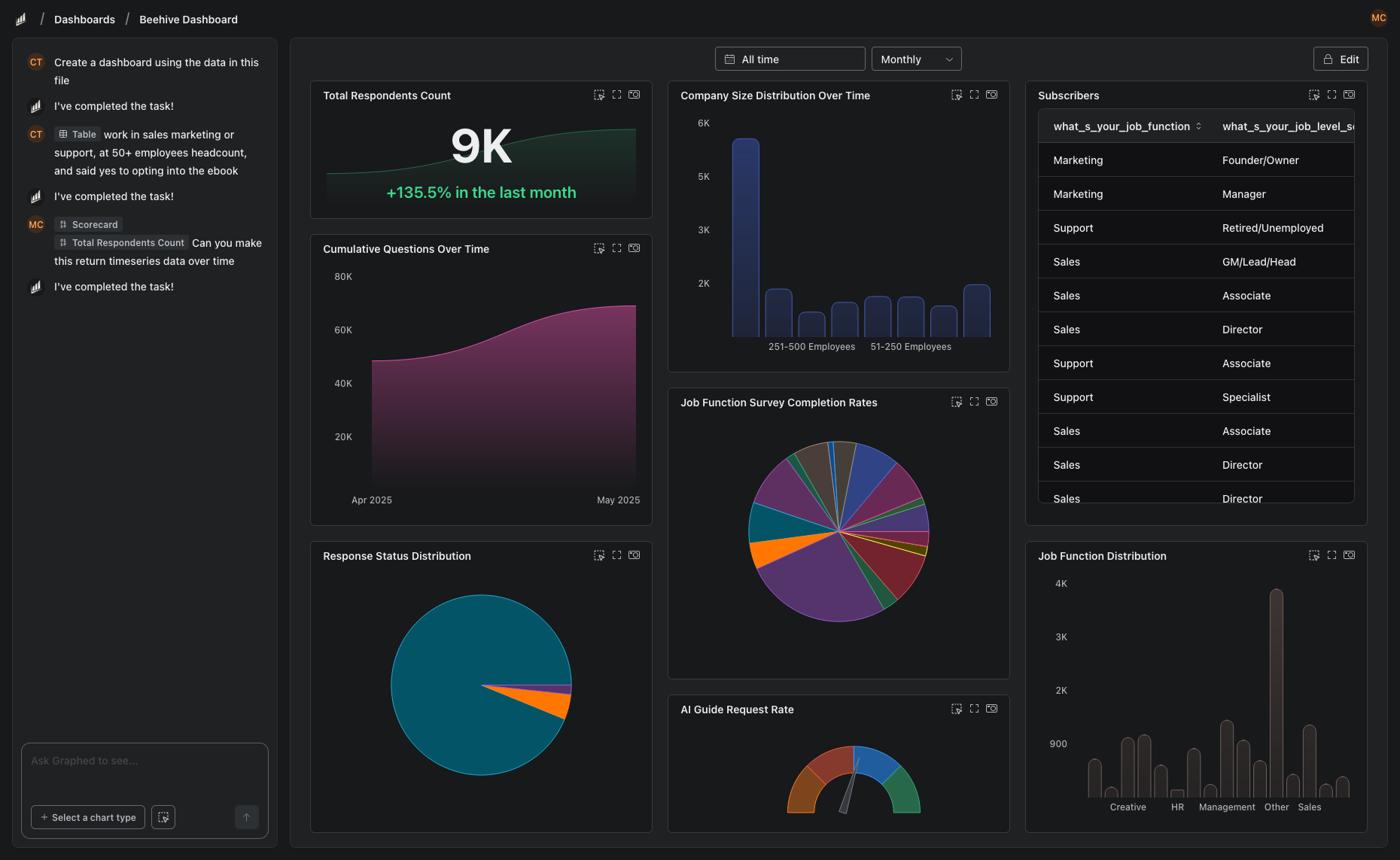
Graphed takes a different approach entirely. Instead of building dashboards manually or writing modeling code, you describe what you want in plain English. Graphed's AI data analyst connects to your live data sources — GA4, HubSpot, Shopify, Stripe, Google Ads, Meta Ads, Salesforce, and 350+ more — and builds the dashboards, charts, and reports for you.
There is no drag-and-drop builder to learn. No LookML to write. No SQL to debug. You say "show me revenue by channel for the last 90 days" and the AI writes the query, pulls the data, and configures the visualization. Data syncs hourly, so you are always working with fresh numbers — not stale CSV exports or cached snapshots. Setup takes 15 minutes (OAuth your data sources) and you can have your first dashboard within 24 hours.
If you are choosing between Looker Studio's simplicity and Looker's power, Graphed gives you both without the tradeoffs.
The Bottom Line
Looker Studio and Looker are not competing products — they are different tools for different stages of data maturity. Looker Studio is where most teams should start: it is free, fast, and good enough for basic reporting. When you outgrow it and need governed, scalable analytics with a semantic layer, Looker is the enterprise path forward.
Just know that there is a growing category of AI-powered analytics tools that bypass the old BI paradigm entirely. The days of spending weeks configuring dashboards are numbered.
Related Articles
How to Create a Photo Album in Meta Business Suite
How to create a photo album in Meta Business Suite — step-by-step guide to organizing Facebook and Instagram photos into albums for your business page.
Is Google Analytics and Data Analytics the Same?
Is Google Analytics and data analytics the same? No — Google Analytics is one tool, data analytics is the broader discipline. Here is the difference.
What Database Does Tableau Use?
What database does Tableau use? Tableau connects to 100+ databases — it does not store data itself. Learn how live connections and extracts work.