

Looker Studio vs Apache Superset: Free BI Tools Compared
Looker Studio and Apache Superset are both free. That is where the similarities end. Looker Studio is a managed Google product for non-technical users. Superset is an open-source platform for teams with engineering resources. This guide covers the real differences so you can pick the right one.
Looker Studio Overview
Google's free, browser-based dashboard builder. Connects to 1,000+ data sources via native and partner connectors. Drag-and-drop interface with no coding required.
Price: Free. Pro at $9/user/month for team features.
Strengths:
- Zero cost, zero setup (browser-based, Google account required)
- Native Google connectors (GA4, Ads, Sheets, BigQuery)
- Lowest learning curve of any BI tool
- Real-time collaboration
- 1,000+ third-party connectors
Weaknesses:
- 5-source blending limit
- No SQL access in the interface
- Performance issues with large datasets
- Basic governance
- No self-hosting option
Apache Superset Overview
Apache Superset is an open-source data exploration and visualization platform originally created at Airbnb. You self-host it (or use a managed service like Preset), connect it to your SQL database, and build dashboards with a mix of no-code and SQL-based workflows.
Price: Free (self-hosted). Preset (managed cloud): from $20/user/month.
Strengths:
- Open source and self-hosted. Full control over your data — nothing leaves your infrastructure.
- SQL-first. Write raw SQL queries, create virtual datasets, and build charts from query results. Power users love this.
- 60+ visualization types. More chart variety than Looker Studio out of the box — heatmaps, chord diagrams, deck.gl maps, pivot tables, and more.
- Database-native. Connects directly to any SQL database (Postgres, MySQL, BigQuery, Snowflake, Redshift, ClickHouse, Trino, and 30+ others) via SQLAlchemy.
- No vendor lock-in. Your data stays in your database. Superset queries it live.
- Role-based access control. Row-level security, dataset-level permissions, and RBAC for enterprise governance.
- Active community. Major contributors include Airbnb, Lyft, and Preset. Frequent releases and a large plugin ecosystem.
Weaknesses:
- Self-hosting complexity. Running Superset in production requires Docker/Kubernetes, database setup, caching (Redis), and ongoing maintenance. Not trivial.
- No native marketing connectors. Superset connects to SQL databases, not APIs. You cannot natively connect to GA4, Google Ads, or Meta Ads — data must already be in a database.
- Steeper learning curve. The SQL Lab interface is powerful but assumes SQL proficiency. Non-technical users will struggle.
- Limited collaboration. No real-time co-editing. Dashboard sharing is basic compared to Google's collaboration model.
- No scheduled reports (without extensions). Email delivery requires additional configuration.
Feature Comparison
Feature: Price · Looker Studio: Free (Pro $9/user) · Apache Superset: Free (self-hosted) or Preset from $20/user
Feature: Hosting · Looker Studio: Google-managed (SaaS) · Apache Superset: Self-hosted or Preset (managed)
Feature: Data Sources · Looker Studio: 1,000+ API connectors · Apache Superset: 30+ SQL databases (SQLAlchemy)
Feature: SQL Access · Looker Studio: No (unless via BigQuery) · Apache Superset: Yes — SQL Lab built in
Feature: Visualization Types · Looker Studio: ~20 + community · Apache Superset: 60+ built in
Feature: Data Modeling · Looker Studio: Calculated fields · Apache Superset: Virtual datasets via SQL
Feature: Governance · Looker Studio: Basic (3 roles) · Apache Superset: RBAC, row-level security
Feature: Collaboration · Looker Studio: Real-time co-editing · Apache Superset: Basic sharing
Feature: Learning Curve · Looker Studio: Low · Apache Superset: Medium-High
Feature: Vendor Lock-in · Looker Studio: Google ecosystem · Apache Superset: None (open source)
Feature: Marketing Connectors · Looker Studio: Native (GA4, Ads, Meta) · Apache Superset: Requires ETL pipeline
Feature: Scheduled Reports · Looker Studio: Yes (1 free, 200 Pro) · Apache Superset: Requires configuration
When to Choose Looker Studio
- You need marketing dashboards from Google ecosystem data
- Your team is non-technical
- You want zero setup and zero infrastructure management
- Real-time collaboration is important
- Budget is zero and you do not have engineering to self-host
When to Choose Apache Superset
- Your data lives in SQL databases and you have SQL-proficient users
- Data sovereignty matters — you want self-hosted, open-source, no vendor lock-in
- You need 60+ chart types beyond what Looker Studio offers
- Your team includes engineers who can deploy and maintain the platform
- You need row-level security and RBAC
A Simpler Path: Graphed
Looker Studio is easy but limited. Superset is powerful but demands engineering. Both require manual dashboard building — one with drag-and-drop, the other with SQL.
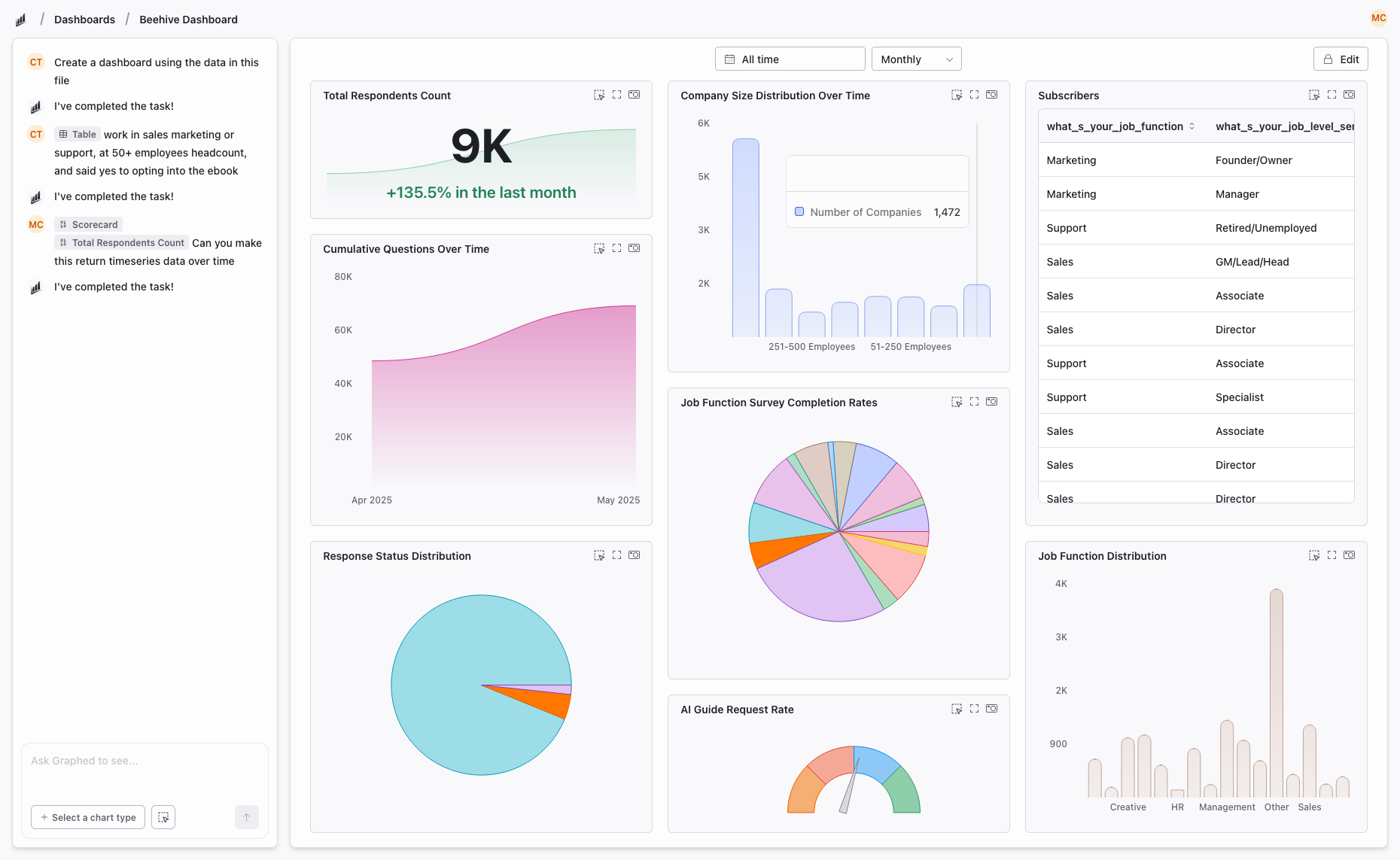
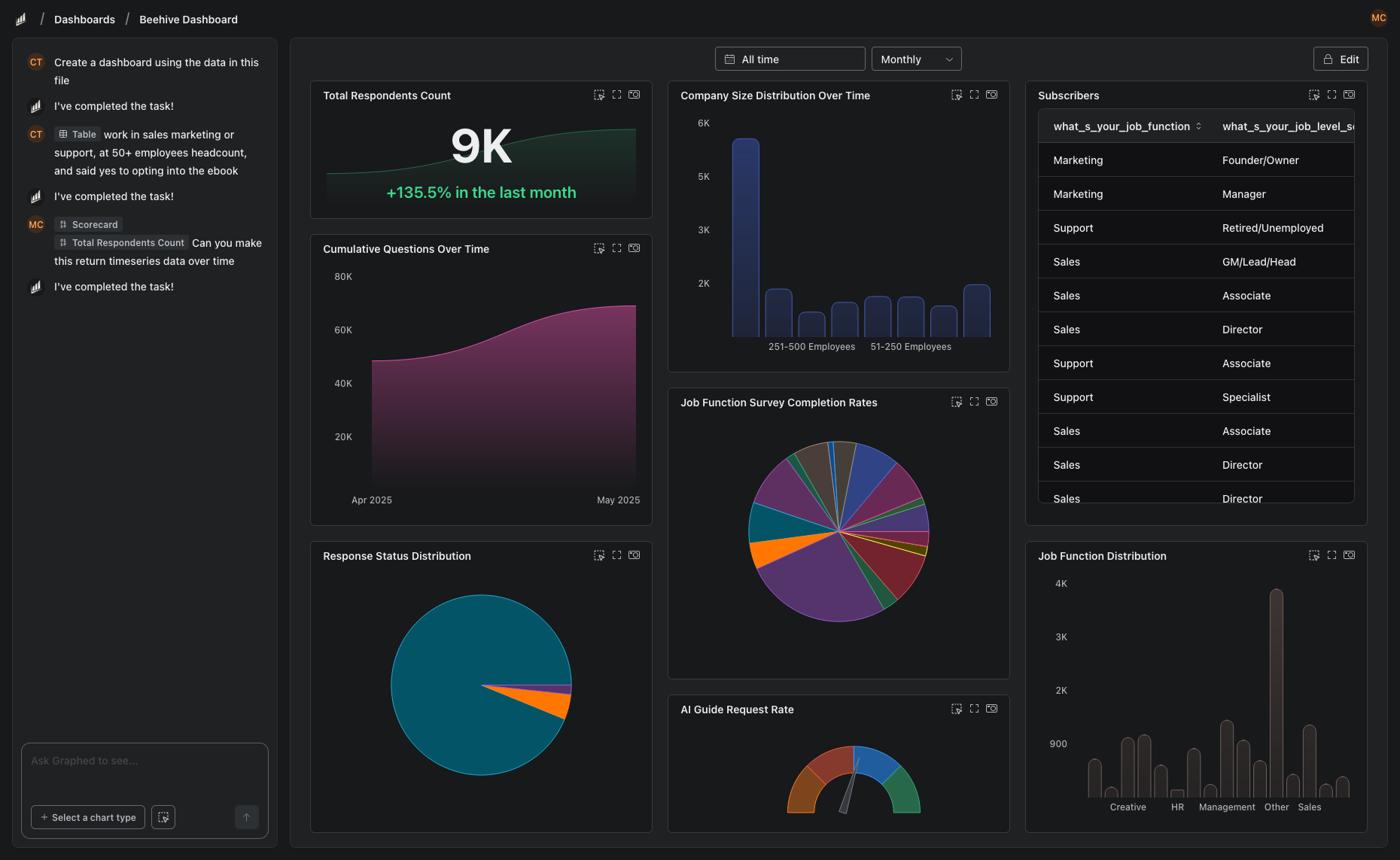
Graphed skips both approaches. It is an AI data analyst that connects to 350+ sources — databases, marketing platforms, CRMs, payment processors — and builds dashboards from natural language. No SQL queries. No drag-and-drop canvas. No infrastructure to manage. Describe what you want, and the AI handles it.
Data syncs hourly. Setup takes 15 minutes. First dashboard in 24 hours. If you are choosing between "easy but limited" and "powerful but complex," Graphed gives you both without the tradeoffs.
The Bottom Line
Looker Studio and Superset serve different teams. Looker Studio is for marketers and business users who want free dashboards fast. Superset is for technical teams who want SQL-powered, self-hosted analytics with zero vendor lock-in. The right choice depends on your team's technical skills and data infrastructure.
Related Articles
How to Create a Photo Album in Meta Business Suite
How to create a photo album in Meta Business Suite — step-by-step guide to organizing Facebook and Instagram photos into albums for your business page.
Is Google Analytics and Data Analytics the Same?
Is Google Analytics and data analytics the same? No — Google Analytics is one tool, data analytics is the broader discipline. Here is the difference.
What Database Does Tableau Use?
What database does Tableau use? Tableau connects to 100+ databases — it does not store data itself. Learn how live connections and extracts work.